
 By rifan muazin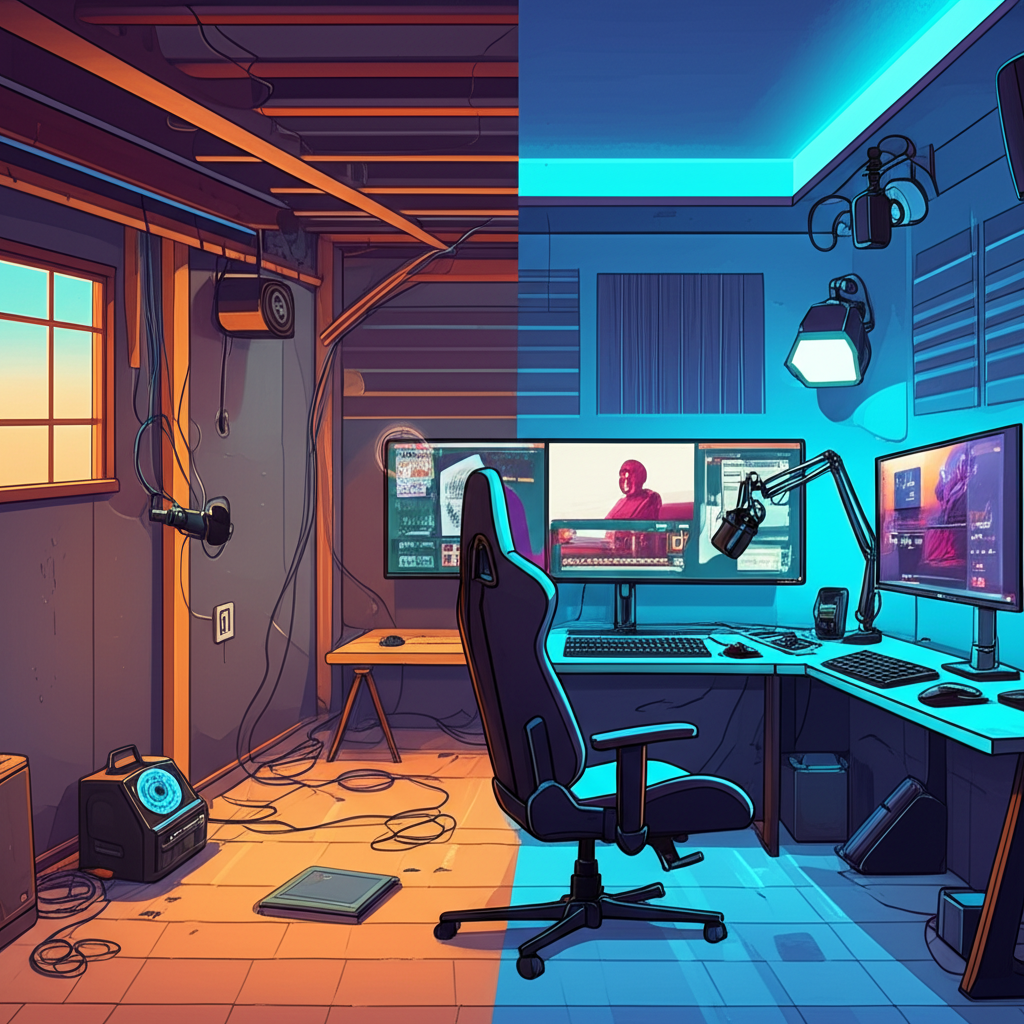
The dream of becoming a successful streamer often starts with a single question: "Where do I set up my studio?" For many, the answer lies just below their living space – the basement. Often overlooked, this subterranean sanctuary offers a unique blend of quiet, darkness, and privacy, making it an ideal canvas for crafting your perfect streaming environment. But turning a dusty storage area or a rarely-used family room into a professional-grade broadcast hub requires more than just plugging in a webcam.
This in-depth guide will walk you through every crucial step, from optimizing your acoustics to choosing the right gear, ensuring your basement streaming setup shines. We’ll explore practical solutions, smart investments, and clever DIY tricks to help you build a compelling space that captivates your audience. Get ready to transform your underground haven into a vibrant, high-quality streaming studio!
Unearthing the Potential: Why Your Basement is a Streaming Goldmine
Before we dive into the nitty-gritty, let’s appreciate why the basement is often the unsung hero of home streaming studios. Its inherent characteristics offer distinct advantages:
- Natural Quiet: Basements are typically more isolated from household noise (kids playing, kitchen sounds, street traffic) than upstairs rooms, providing a crucial head start for pristine audio.
- Light Control: The absence of natural light, or minimal windows, means you have absolute control over your lighting setup – a dream for any content creator.
- Temperature Stability: Generally cooler, basements can help keep your equipment from overheating, especially during long streaming sessions.
- Dedicated Space: It’s often easier to designate a permanent, undisturbed area for your streaming rig in a basement without disrupting the rest of your home.
However, basements also present unique challenges, such as potential dampness, less-than-ideal acoustics, and the need for robust internet connectivity. We’ll tackle these head-on.
Mastering Your Environment: Sound and Light
A professional stream isn’t just about what you say, but how it looks and sounds. Your basement environment plays a pivotal role.
Taming the Echo Chamber: Acoustic Treatment and Soundproofing
Basements, especially unfinished ones with hard walls and concrete floors, can be notoriously echoey. Good audio is non-negotiable for a professional stream, so acoustic treatment is paramount.
- Identify Noise Sources: Listen carefully. Is it the furnace kicking on? Water pipes gurgling? Outside street noise? Addressing these directly is the first step. For HVAC noise, consider insulating ducts or scheduling streaming around fan cycles.
- Absorption is Key: Soft surfaces absorb sound. Think beyond just acoustic foam panels.
- DIY Solutions: Hang heavy moving blankets on walls (especially behind your monitor and camera), use thick rugs or carpet on the floor, and fill corners with pillows or blankets to create DIY bass traps. Even bookshelves packed with books can help.
- Dedicated Panels: Invest in some purpose-built acoustic foam panels or fabric-wrapped mineral wool panels. Place them at reflection points (where sound bounces between your mouth and the microphone, then to a wall). You can find these by having someone talk while you move a mirror along the walls – where you see the speaker’s mouth in the mirror from your microphone’s position, that’s a reflection point.
- Minimize Reverberation: Aim for a "dead" but not entirely "mute" sound. You want to reduce the echo without making the room sound unnatural.
Illuminating Your Scene: Crafting the Perfect Look
The natural darkness of a basement is a blessing and a curse. It gives you total control but means you have to build your lighting from scratch. The goal is to illuminate yourself and your background effectively, creating depth and a professional aesthetic.
- The Three-Point Lighting System: This is the gold standard for good reason.
- Key Light: The brightest light, positioned slightly off-center (45 degrees) from your face and slightly above eye level. This is your primary light source. LED panels or a large ring light are excellent choices.
- Fill Light: Softer and less intense than the key light, placed on the opposite side of your face. Its purpose is to soften shadows created by the key light. A smaller LED panel, a softbox, or even a reflector can work.
- Back Light (Hair Light): Placed behind you, shining down on your head and shoulders. This creates separation from your background, adding depth and a professional "pop." A small LED light or even a desk lamp with a diffuser can serve this purpose.
- Choosing Your Lights:
- LED Panels: Versatile, dimmable, and often color-adjustable. Great for key and fill lights.
- Ring Lights: Excellent for even illumination, reducing shadows, and creating a pleasing "catchlight" in your eyes. Best as a key light, especially for close-up shots.
- Softboxes/Umbrellas: Diffuse light, creating a softer, more flattering look.
- Color Temperature: Aim for lights that offer adjustable color temperature (measured in Kelvin). Around 5000-5600K mimics daylight, while lower temperatures are warmer. Consistency across all your lights is key.
- Controlling Ambient Light: Even minimal basement windows should be covered with blackout curtains or blinds to prevent unwanted light shifts.
Essential Gear: Tech That Makes You Shine
With your environment optimized, it’s time to choose the technological backbone of your stream. Don’t worry, you don’t need to break the bank to start!
Your Visual Storyteller: Camera Choices
Your camera is your audience’s window into your world.
- Entry-Level (Excellent for Beginners): High-quality webcams like the Logitech C920, Logitech Brio, or Razer Kiyo Pro offer fantastic 1080p video, are easy to set up, and often include decent built-in microphones (though we’ll get to external mics soon!).
- Mid-Tier (Prosumer Quality): Mirrorless cameras (e.g., Sony a6000 series, Canon M50 Mark II) or even some older DSLRs offer significantly better image quality, shallow depth of field (for that blurred background look), and lens flexibility. You’ll need an HDMI capture card (like an Elgato Cam Link) to connect these to your computer.
- Pro-Tier (High-End Visuals): More advanced mirrorless cameras or dedicated cinema cameras provide unparalleled image quality but come with a steeper learning curve and price tag.
The Sound of Success: Microphone Matters
Your audio quality is arguably more important than video. People will tolerate less-than-perfect video, but bad audio will drive them away instantly.
- USB Microphones (Great Starting Point): Simple plug-and-play. Popular choices include the Blue Yeti (versatile, multiple pickup patterns), Rode NT-USB Mini (compact, excellent sound), and HyperX QuadCast (gaming-focused, built-in pop filter).
- XLR Microphones (Professional Standard): These offer superior sound quality, durability, and flexibility, but require an audio interface (e.g., Focusrite Scarlett 2i2, GoXLR Mini) to connect to your computer. Iconic choices include the Shure SM7B (podcast/broadcast staple), Rode Procaster, or the versatile Audio-Technica AT2020.
- Placement is Key: No matter the mic, keep it close to your mouth (6-12 inches) and use a pop filter to prevent harsh "p" and "b" sounds. A desk-mounted boom arm or floor stand keeps it out of frame and positioned perfectly.
The Engine Room: Computer & Internet Connectivity
Your computer and internet connection are the unsung heroes powering your stream.
- Computer Specifications: Streaming is resource-intensive. Aim for:
- CPU: Intel i5 (10th gen or newer) / AMD Ryzen 5 (3000 series or newer) as a minimum; i7/Ryzen 7 or better is recommended for smoother performance, especially if you’re gaming.
- RAM: 16GB is the sweet spot.
- GPU: NVIDIA GeForce GTX 1660 Super / RTX 3050 or AMD Radeon RX 6600 XT or better. Dedicated graphics cards are crucial for encoding your video stream efficiently.
- Internet Speed: This is where basements can sometimes struggle with Wi-Fi.
- Wired is Best: Always, always use an Ethernet cable directly from your router to your streaming PC. This provides the most stable and fastest connection, crucial for consistent uploads. If your router is upstairs, consider running a long Ethernet cable or using powerline adapters.
- Upload Speed: You need upload speed, not just download. Aim for at least 10 Mbps upload for 1080p streams, with 20-30 Mbps being ideal for higher quality or more complex setups. Use an online speed test (e.g., Speedtest.net) to check your actual upload.
The Backbone: Software and Connectivity
Once your hardware is in place, software stitches it all together.
Your Control Panel: Streaming Software
This is where you manage your scenes, overlays, alerts, and ultimately send your broadcast to platforms like Twitch, YouTube, or Facebook Gaming.
- OBS Studio: Free, open-source, incredibly powerful, and highly customizable. It has a steeper learning curve but offers unmatched flexibility.
- Streamlabs Desktop: Built on OBS, but with a more user-friendly interface, integrated alerts, themes, and chat features. Great for beginners looking for an all-in-one solution.
- Setting Up Scenes: Create different "scenes" for various parts of your stream (e.g., "Starting Soon," "Gameplay," "Just Chatting," "Be Right Back," "Ending Stream"). Each scene contains specific "sources" (camera, microphone, game capture, webcam, images, text).
Taming the Spaghetti Monster: Cable Management
A messy setup is an unprofessional setup and a tripping hazard.
- Organize and Conceal: Use Velcro cable ties, cable sleeves, or even plastic raceways to bundle and hide cables.
- Power Strips & Surge Protectors: Invest in high-quality surge protectors to protect your valuable equipment. Label your plugs to easily identify what’s connected where.
- Strategic Placement: Route cables along walls or under your desk to keep them out of sight and mind.
Beyond the Basics: Enhancing Your Stream
With the core setup complete, let’s refine your space for maximum impact.
Your Digital Stage: Background and Decor
Your background is part of your brand.
- Keep it Tidy and Engaging: A cluttered background is distracting. Think about what you want your audience to see. Personal touches, subtle lighting, or even a well-placed plant can add character.
- Green Screen vs. Natural Background: A green screen allows you to virtually replace your background with anything, offering immense flexibility. However, it requires good lighting and can sometimes look artificial. A thoughtfully designed natural background in your basement can look much more authentic and inviting.
- Basement Specifics: Use the natural textures of your basement (e.g., a painted brick wall, a finished drywall section) to your advantage. Add shelves with collectibles, LED strip lights for accent, or even a simple piece of art.
Comfort is King: Ergonomics for Long Sessions
Streaming can involve hours at your desk. Prioritizing comfort prevents fatigue and injury.
- Ergonomic Chair: Invest in a comfortable, supportive chair. Your back will thank you.
- Desk Height: Ensure your desk is at a comfortable height for typing and gaming. Consider a standing desk option for variety.
- Monitor Placement: Position your main monitor at eye level to prevent neck strain. If you have multiple monitors, arrange them logically.
The Ultimate Rehearsal: Testing, Testing, 1, 2, 3
Never go live without thoroughly testing your setup.
- Local Recordings: Use OBS Studio or Streamlabs Desktop to record a short test stream to your local hard drive.
- Review Everything: Watch the recording back.
- Audio: Is it clear? Is the volume consistent? Are there any background noises?
- Video: Is it sharp? Is the lighting good? Are there any frame drops or pixelation?
- Overlays & Alerts: Are they appearing correctly?
- Connectivity: Does the stream hold up?
This critical step helps you identify and fix issues before your audience sees them, ensuring a smooth and professional broadcast every time.
Your Basement, Your Broadcast: The Journey Begins
Transforming your basement into a high-quality streaming studio is a rewarding project that combines technical know-how with creative flair. From taming the acoustics and mastering your lighting to selecting the right gear and software, each step builds towards a professional and engaging broadcast experience.
Remember, this is a journey, not a destination. Start with the essentials, continuously test, and refine your setup as you grow. Your basement, once an untapped space, is now poised to become the launchpad for your streaming success. So, roll up your sleeves, embrace the subterranean potential, and get ready to share your passion with the world!