 By rifan muazin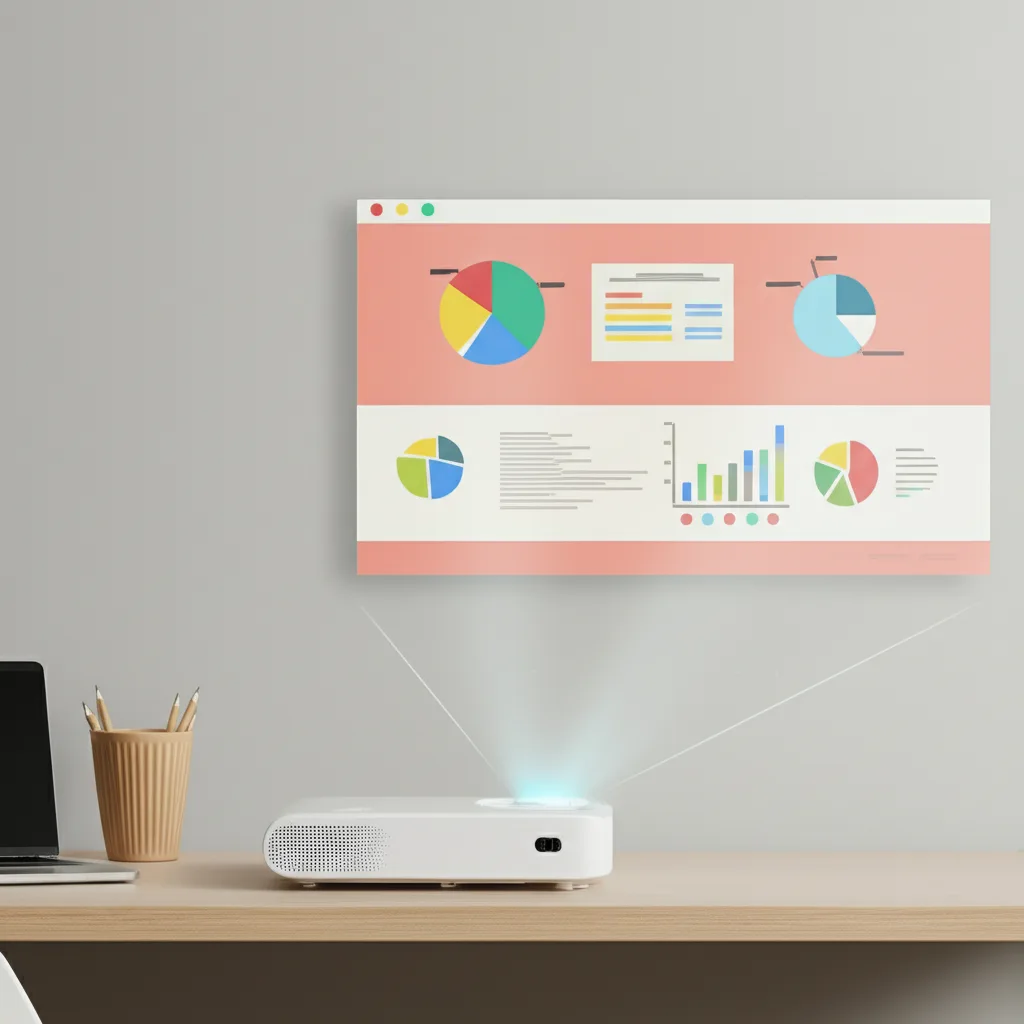
The concept of a home office has evolved dramatically. No longer just a spare room with a desk, it’s a dynamic hub for productivity, creativity, and connection. As we seek more flexible, ergonomic, and inspiring environments, traditional monitors, while reliable, are starting to feel restrictive. Enter the smart projector: a game-changer poised to revolutionize how we work, learn, and even unwind in our personal workspaces.
Imagine transforming a blank wall into an expansive canvas for your ideas, a crystal-clear display for presentations, or an immersive portal for video calls. Smart projectors offer unparalleled versatility, space-saving elegance, and a surprisingly comfortable viewing experience that static screens simply can’t match. This isn’t just about watching movies after hours; it’s about unlocking a new dimension of productivity and comfort for your daily grind.
In this in-depth playbook, we’ll dive into how smart projectors can become the cornerstone of your modern home office, exploring their capabilities, guiding you through setup, and revealing strategies to maximize their potential for both work and play.
What Makes a Projector "Smart" Anyway?
Before we delve into the "how-to," let’s clarify what distinguishes a "smart" projector from its traditional counterparts. Think of it as the difference between a basic TV and a smart TV.
Built-in Intelligence at Your Fingertips:
A smart projector isn’t just a display device; it’s an all-in-one entertainment and productivity hub. It typically runs on an integrated operating system (like Android TV, Google TV, or a proprietary OS), complete with an app store. This means you can download and run your favorite streaming services, productivity apps, cloud storage platforms, and even web browsers directly from the projector, without needing an external computer or streaming stick.
Seamless Connectivity:
Wi-Fi and Bluetooth are standard features. Wi-Fi enables direct internet access for streaming and app downloads, while Bluetooth allows you to connect external speakers, headphones, or even a keyboard and mouse for easier navigation. Many smart projectors also support wireless casting protocols like Apple AirPlay or Google Cast, making it effortless to mirror content from your phone, tablet, or laptop.
Advanced User Experience:
Look for features like auto-focus and auto-keystone correction, which automatically adjust the image for a perfect rectangle, even if the projector isn’t perfectly aligned with the wall. Voice control integration (via Google Assistant or Alexa) adds another layer of convenience, letting you search for content or adjust settings with simple commands.
Why Your Home Office Needs a Smart Projector
Moving beyond the novelty, let’s explore the tangible benefits a smart projector brings to the home office environment.
Beyond the Monitor: Unlocking Expansive Visuals
The most immediate benefit is the sheer scale. Imagine a 100-inch or even 120-inch display for your spreadsheets, presentations, or video conferences. This expansive canvas significantly reduces eye strain, as the image is diffused light rather than direct, backlit illumination. It also allows for more information to be visible simultaneously, reducing the need for constant scrolling and window management.
Versatility and Flexibility: Your Workspace, Your Rules
A smart projector is the chameleon of home office tech.
- Presentations & Brainstorming: Project mind maps, mood boards, or detailed slides onto an entire wall for collaborative sessions (even if they’re virtual).
- Virtual Whiteboard: Pair it with a digital whiteboard app and a stylus-enabled device, and your wall becomes an interactive canvas for brainstorming and note-taking.
- Dual-Screen Powerhouse: Use it as a secondary, giant display alongside your laptop for ultimate multitasking. Keep your main work on your laptop screen while projecting reference materials, communication apps, or research on the wall.
- After-Hours Transformation: When work is done, your home office effortlessly transforms into a home theater, a gaming arena, or a vibrant backdrop for virtual events.
Space-Saving Elegance: Declutter Your Domain
In smaller home offices or multi-purpose rooms, a large monitor can dominate the space. A smart projector, especially a portable or ultra-short-throw model, offers a minimalist solution. It can be tucked away when not in use, or blend seamlessly into your decor, projecting onto a wall that otherwise serves as a simple backdrop. This decluttering contributes to a more serene and focused work environment.
Essential Features for Your Home Office Smart Projector
Choosing the right smart projector is crucial. Here’s a breakdown of key features to prioritize:
Crystal-Clear Resolution: From Full HD to 4K
For office work where text clarity is paramount, 1080p (Full HD) should be your minimum. This ensures crisp documents and readable spreadsheets. If your budget allows, a 4K (UHD) projector will offer breathtaking detail and future-proof your setup, especially if you plan to use it for entertainment.
Brightness Matters: Lumens for Every Lighting Condition
Brightness is measured in ANSI Lumens.
- Dark Room (dedicated office): 1,500-2,500 ANSI Lumens can suffice.
- Ambient Light (living room office, natural light): Aim for 2,500-4,000+ ANSI Lumens. The brighter the projector, the less susceptible your image will be to wash out from external light sources.
Throw Ratio: Fitting Your Space
The throw ratio dictates how far the projector needs to be from the screen to achieve a certain image size.
- Standard Throw: Requires significant distance (e.g., 8-10 feet for a 100-inch image). Best for larger rooms.
- Short-Throw Projector: Can project a large image from just a few feet away. Ideal for medium-sized rooms where you don’t want the projector in the middle of the floor.
- Ultra-Short-Throw (UST) Projector: Sits inches away from the wall or screen, eliminating shadows and making it incredibly discreet. Perfect for small spaces or a permanent monitor replacement.
Connectivity Hub: Ports and Wireless Protocols
Ensure it has ample ports:
- HDMI: At least one, preferably two, for connecting laptops, game consoles, or other devices.
- USB: For external drives, presentations, or charging devices.
- Wi-Fi 6: For fast, stable wireless internet and streaming.
- Bluetooth: For audio output to speakers or headphones.
Smart Features and OS: Your Digital Interface
An intuitive operating system (Android TV is popular) with access to a wide range of apps is essential. Look for voice control, easy navigation, and seamless integration with your existing smart home ecosystem.
Audio Quality: Built-in vs. External
While many smart projectors have decent built-in speakers, for serious work or immersive entertainment, consider connecting external Bluetooth speakers or a soundbar for superior audio.
Setting Up Your Smart Projector Home Office: A Step-by-Step Playbook
Transforming your home office with a smart projector is simpler than you might think. Follow these steps for an optimal setup:
Step 1: Location, Location, Location
- Choose Your Surface: A smooth, light-colored, preferably matte white wall is a good starting point. For the best image quality, invest in a dedicated projector screen. Screens are engineered to reflect light more efficiently, enhancing brightness, contrast, and color accuracy.
- Placement: Consider your chosen throw ratio.
- Standard/Short-Throw: Position the projector on a shelf, desk, or ceiling mount opposite your projection surface.
- Ultra-Short-Throw: Place it directly below the wall or screen, often on a credenza or low cabinet.
- Power Access: Ensure there’s a power outlet nearby, and consider cable management solutions to keep your workspace tidy.
Step 2: Initial Power Up and Basic Adjustments
Plug in your projector and power it on. Most smart projectors will guide you through an initial setup process for Wi-Fi, language, and basic settings.
Step 3: Achieve the Perfect Image: Focus and Keystone
- Focus: Manually or automatically adjust the focus until the text and images are razor-sharp.
- Keystone Correction: If the image appears trapezoidal (wider at the top or bottom), use the keystone correction feature. Many smart projectors offer auto-keystone correction, which does this automatically. If manual, adjust it until the image forms a perfect rectangle.
- Zoom (if available): Adjust the image size to fit your screen or wall.
Step 4: Connectivity and Integration
- Connect to Wi-Fi: Ensure a strong, stable internet connection for app downloads and streaming.
- Pair Bluetooth Devices: Connect your external speakers, keyboard, or mouse for enhanced control and audio.
- Wired Connections: Connect your laptop via an HDMI cable for direct mirroring or extended desktop use.
- Wireless Casting: Explore your projector’s built-in casting options (AirPlay, Chromecast) to effortlessly share content from your devices.
Maximizing Productivity with Your Smart Projector
Now that your smart projector is set up, let’s explore how to leverage its power for peak productivity.
The Expansive Digital Whiteboard
Download a digital whiteboard app (like Miro, Google Jamboard, or a dedicated drawing app) directly onto your smart projector. Connect a Bluetooth keyboard for typing and, if your projector supports it or you’re casting from a tablet, use a stylus for drawing. This transforms your wall into an endless canvas for brainstorming, mind mapping, and visual organization, making complex ideas easier to grasp and share.
Dynamic Presentations and Engaging Meetings
Forget huddling around a small laptop screen during virtual team meetings. Project your video conference onto the large screen, making participants feel more present. When presenting, your slides will command attention, and you can easily refer to notes on your laptop while the main presentation shines on the wall.
Eye Comfort and Ergonomics
The diffused light of a projector is gentler on your eyes than the direct light of a monitor. Position your seating at a comfortable distance from the projected image to reduce strain, and enjoy the broader field of view that minimizes neck and eye movement.
Beyond Work: The Projector’s Dual Life
One of the greatest advantages of a smart projector is its seamless transition from workhorse to entertainment hub.
- Cinematic Experience: After a long day, unwind by streaming your favorite movies or TV shows on a giant screen. Connect a soundbar for an immersive home theater experience right in your office.
- Gaming on a Grand Scale: Connect your gaming console via HDMI, and suddenly your office wall becomes an epic battleground or a sprawling open world.
- Ambiance and Art: Project calming nature scenes, digital art, or even dynamic backgrounds during video calls to enhance your workspace’s aesthetic and mood.
Troubleshooting and Best Practices
- Ambient Light Management: For the best image quality, especially during the day, minimize ambient light by drawing curtains or blinds.
- Regular Cleaning: Dust can accumulate on the lens and vents. Gently clean the lens with a microfiber cloth and ensure vents are clear for proper cooling.
- Software Updates: Keep your projector’s operating system updated to ensure optimal performance, security, and access to the latest features.
- External Audio: While convenient, built-in speakers are often limited. Investing in a good quality Bluetooth speaker or soundbar will dramatically improve your audio experience for both work and entertainment.
The Future of the Home Office is Bright
The smart projector isn’t just a gadget; it’s a strategic investment in a more flexible, productive, and enjoyable home office experience. It empowers you to break free from the constraints of traditional screens, offering an expansive, versatile, and ergonomically superior display solution that adapts to your every need.
Embrace the smart projector playbook, and watch as your home office transforms from a mere workspace into a dynamic hub of innovation, collaboration, and relaxation. The future of work is large, bright, and brilliantly projected.
